Body
1. Navigate to https://services.kckcc.edu.
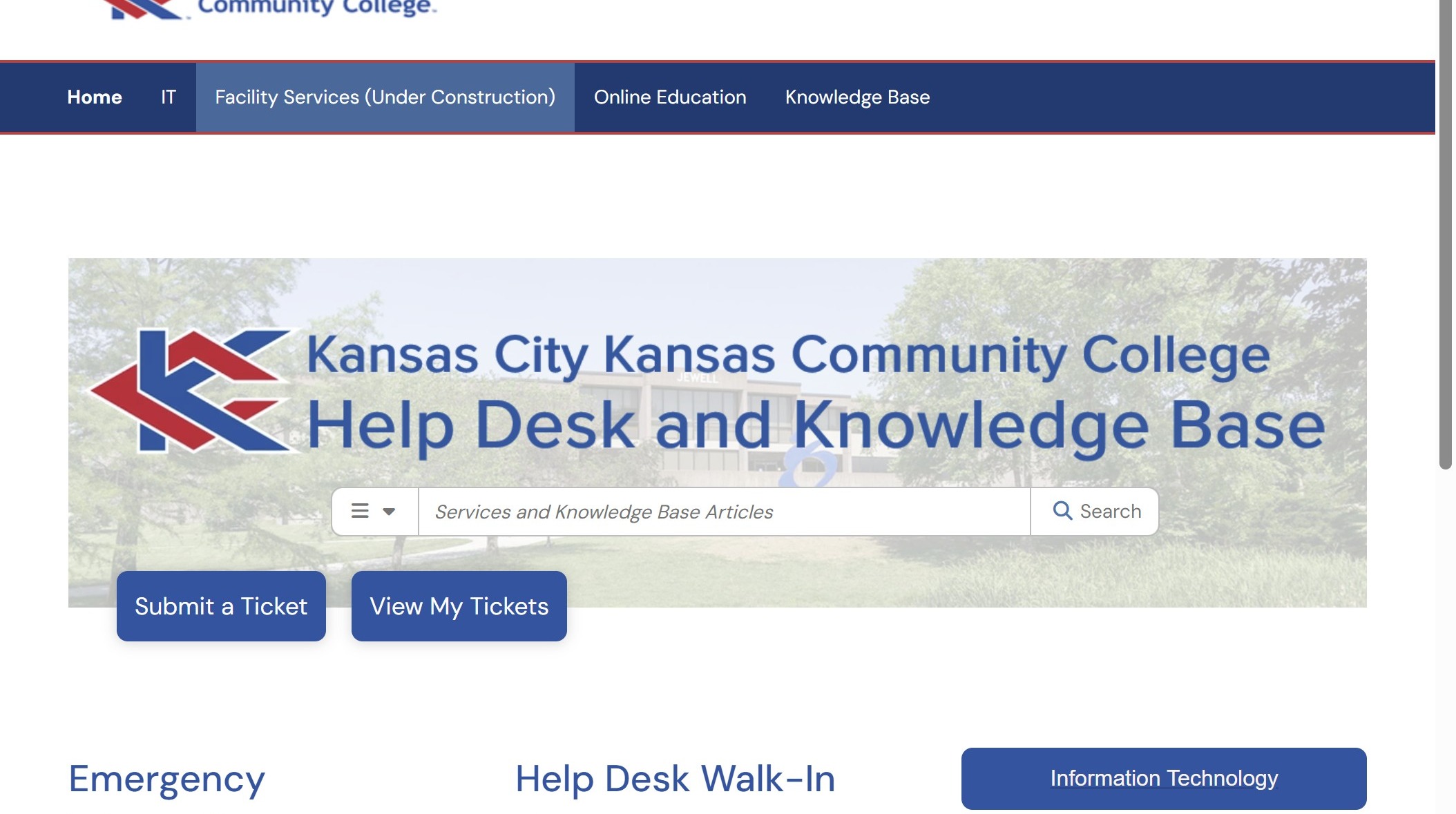
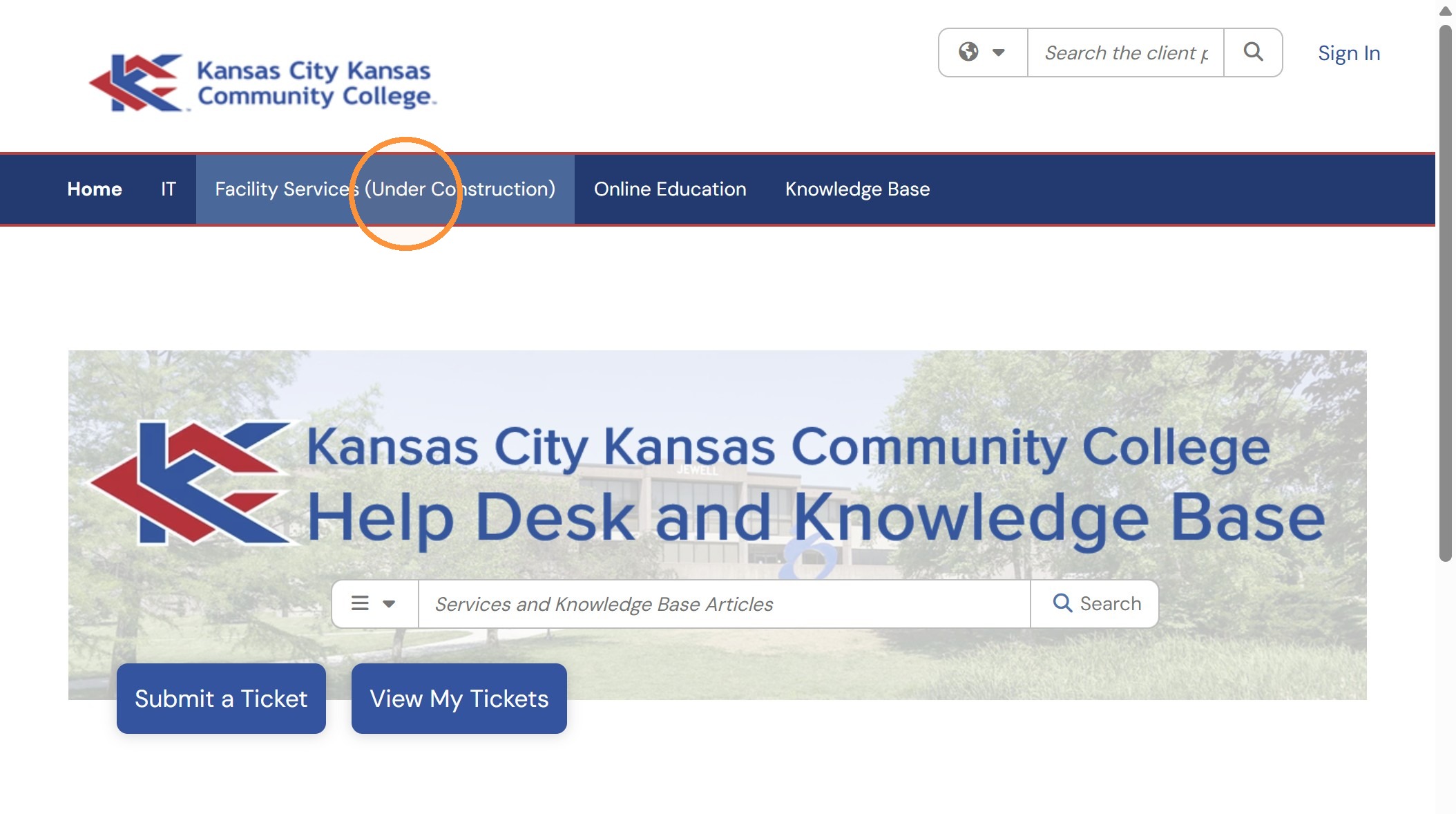
Service Selection
2. Click "Facility Services (Under Construction)".
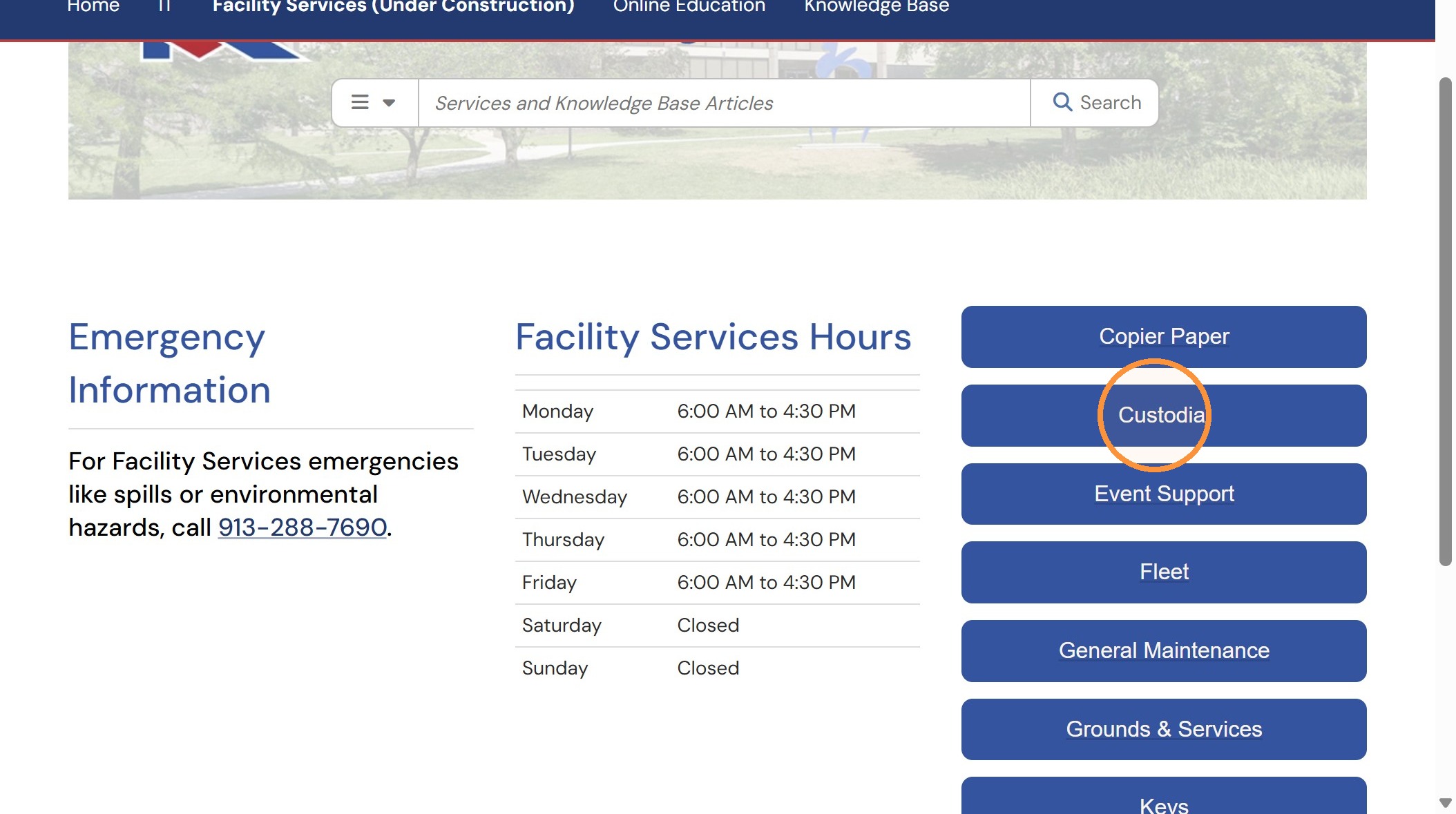
3. Click any of the service buttons on the right side of the page.
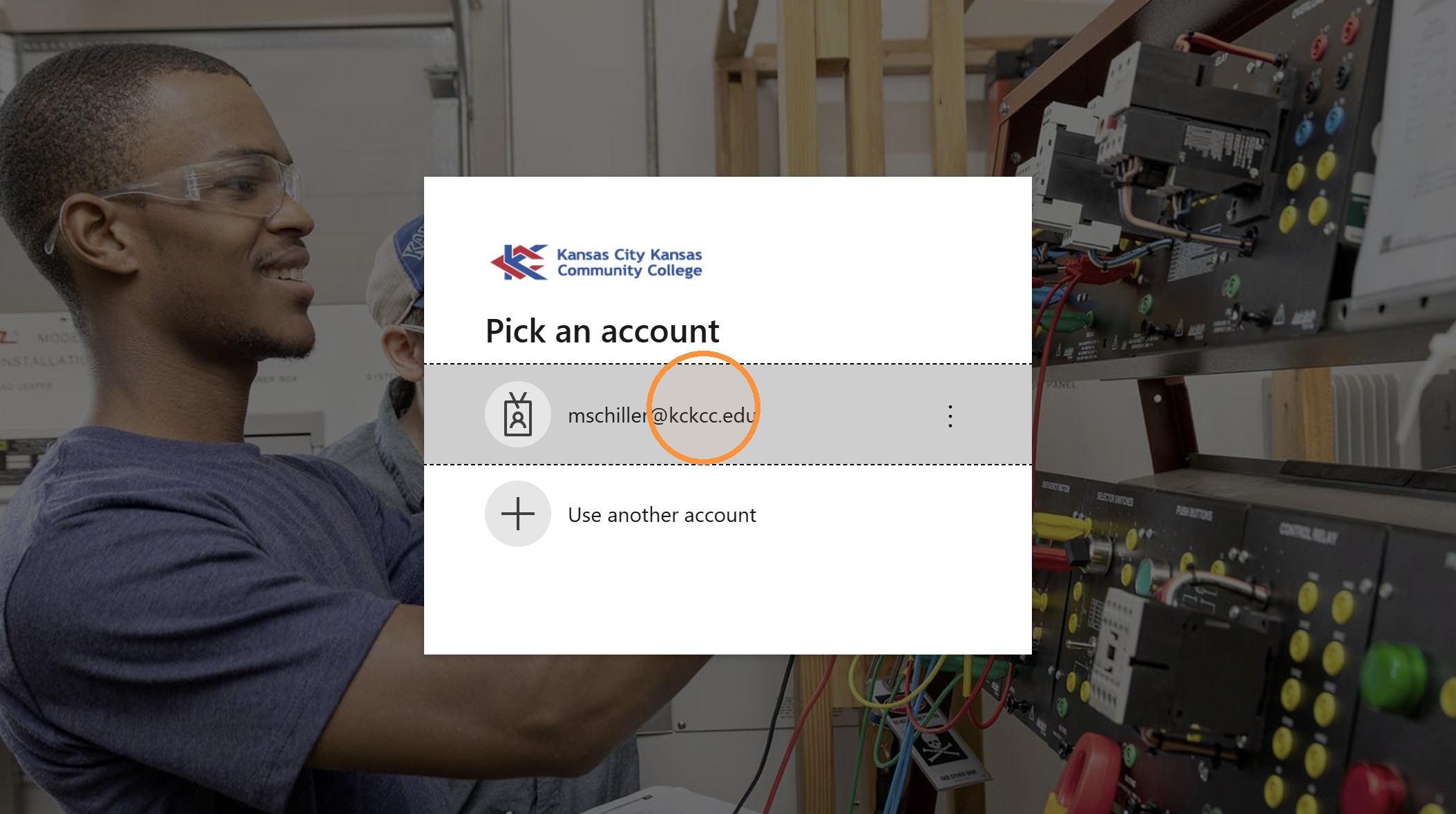
4. Login using your KCKCC account.
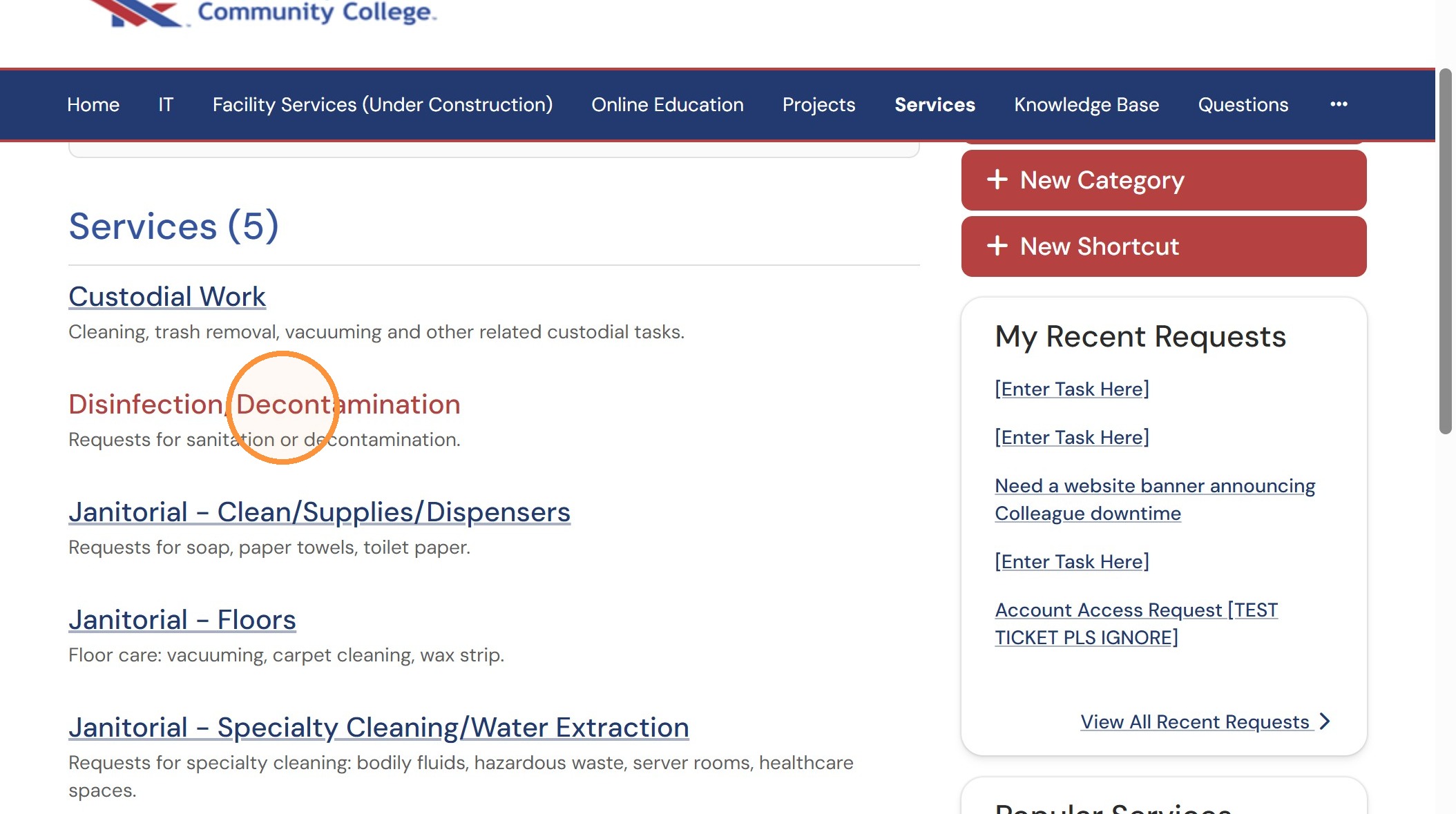
5. Click one of the available services in the selected category.
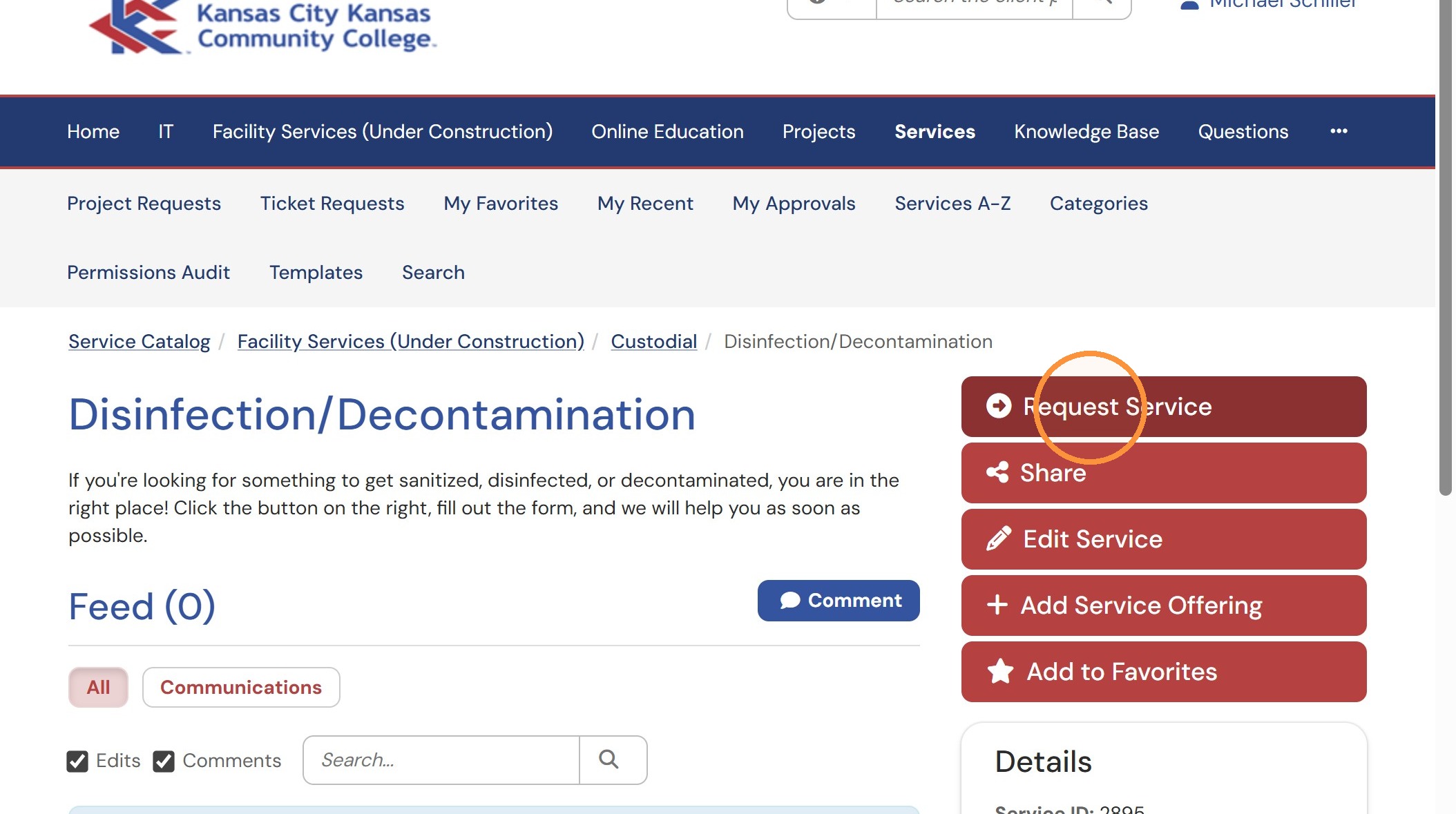
6. Click "Request Service".
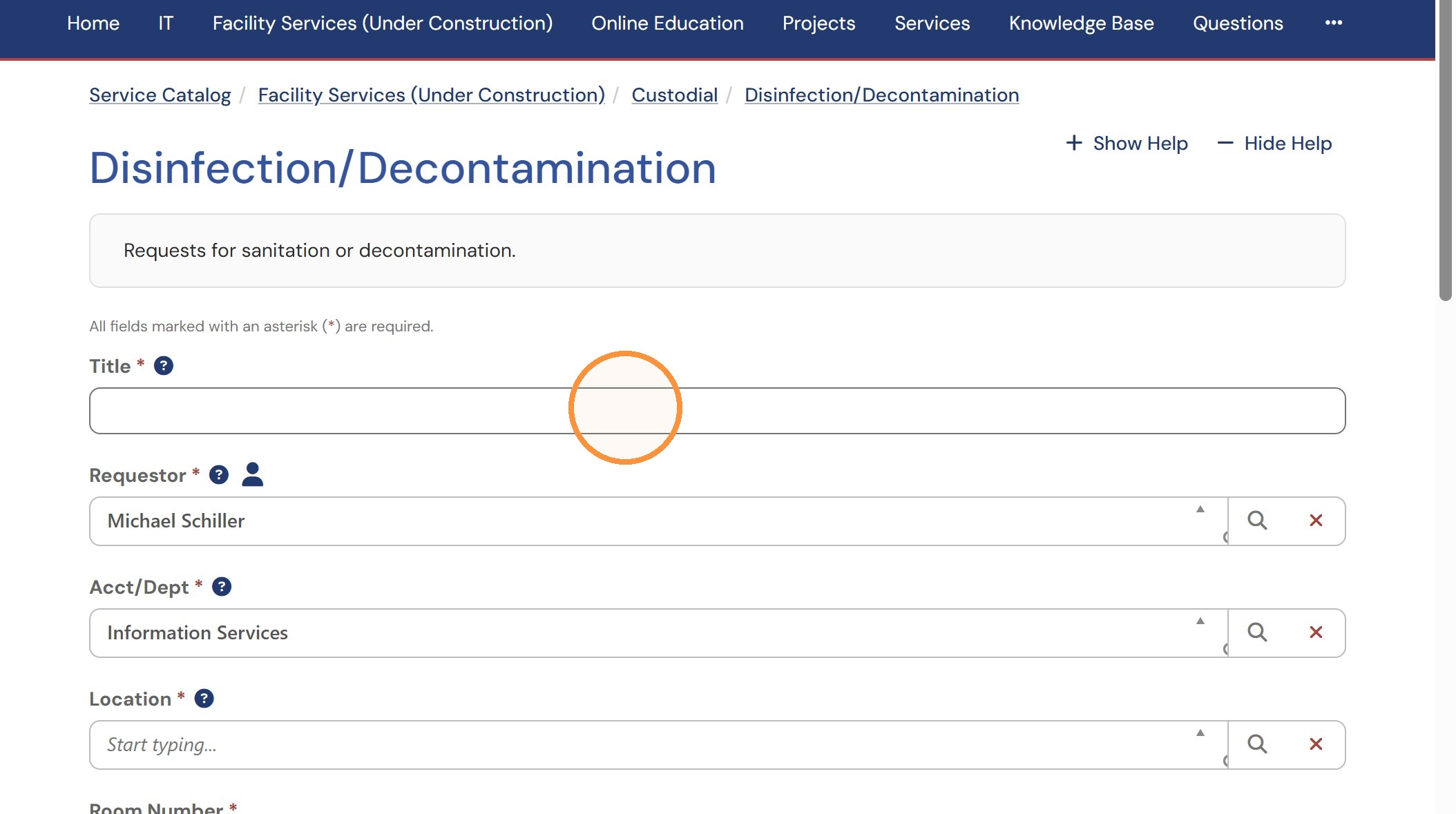
Request Form
7. Fill out the form that comes up, paying specific attention to required (starred) fields.
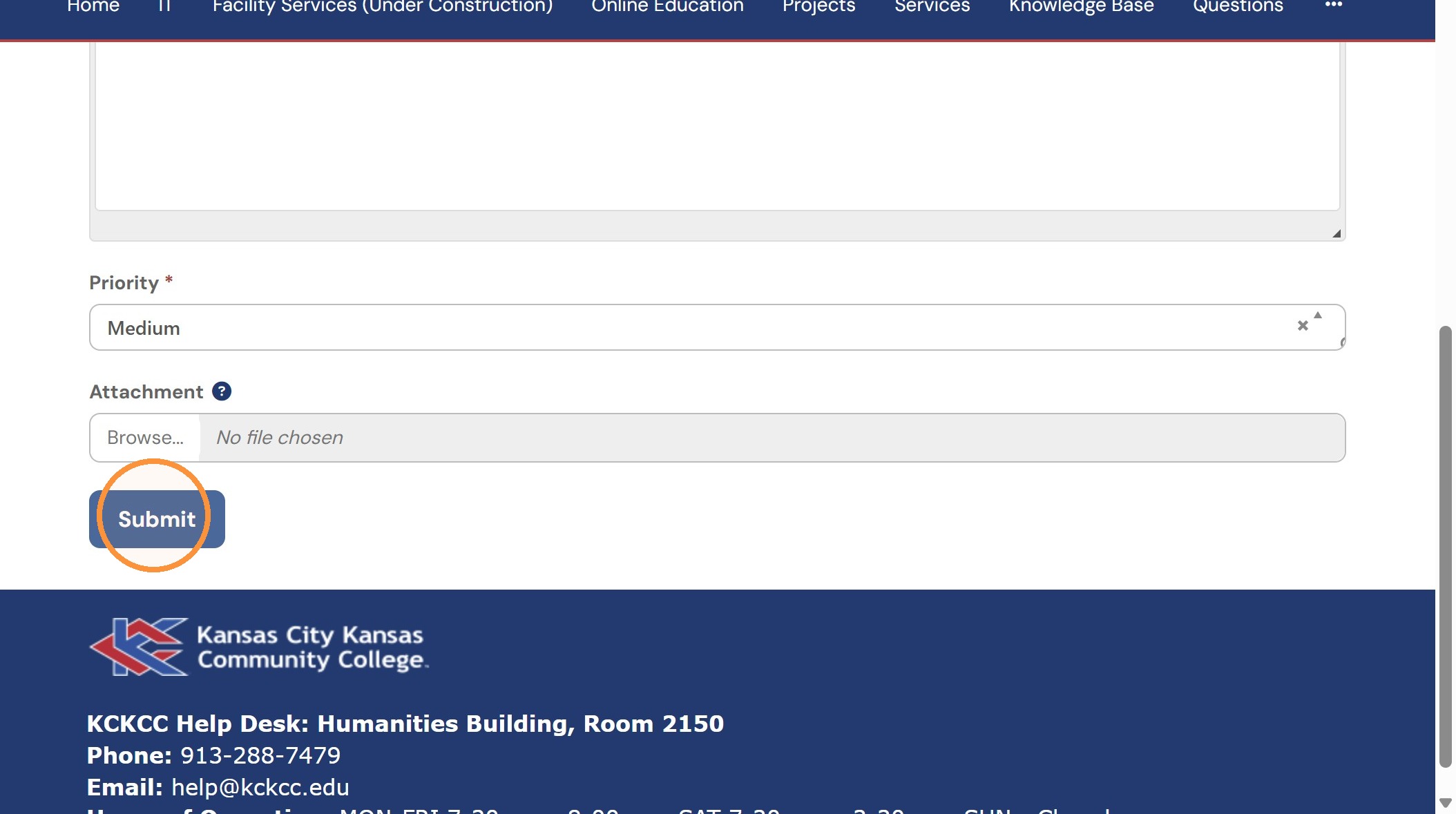
Request Verification
9. Click "View the request you just created".
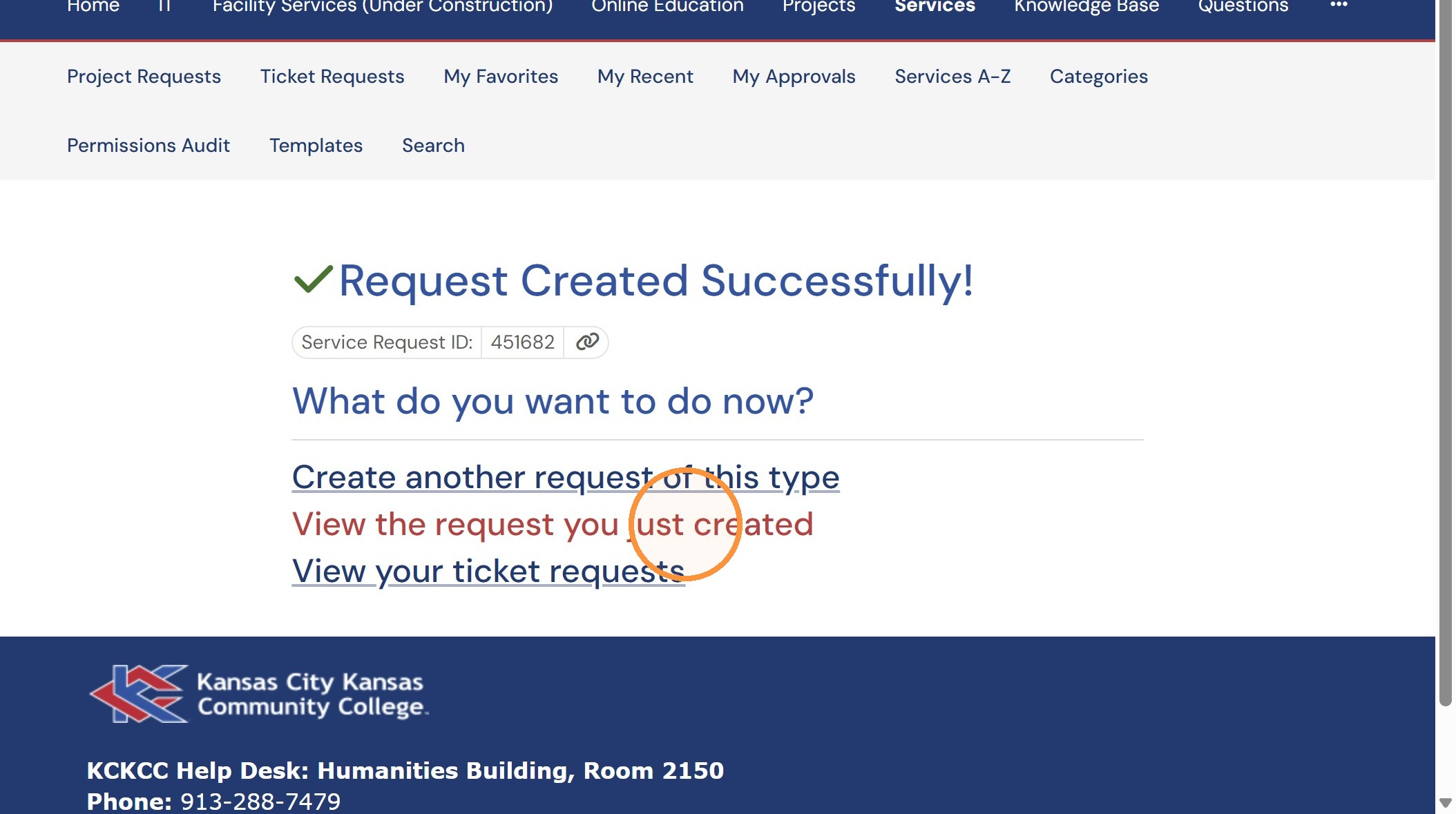
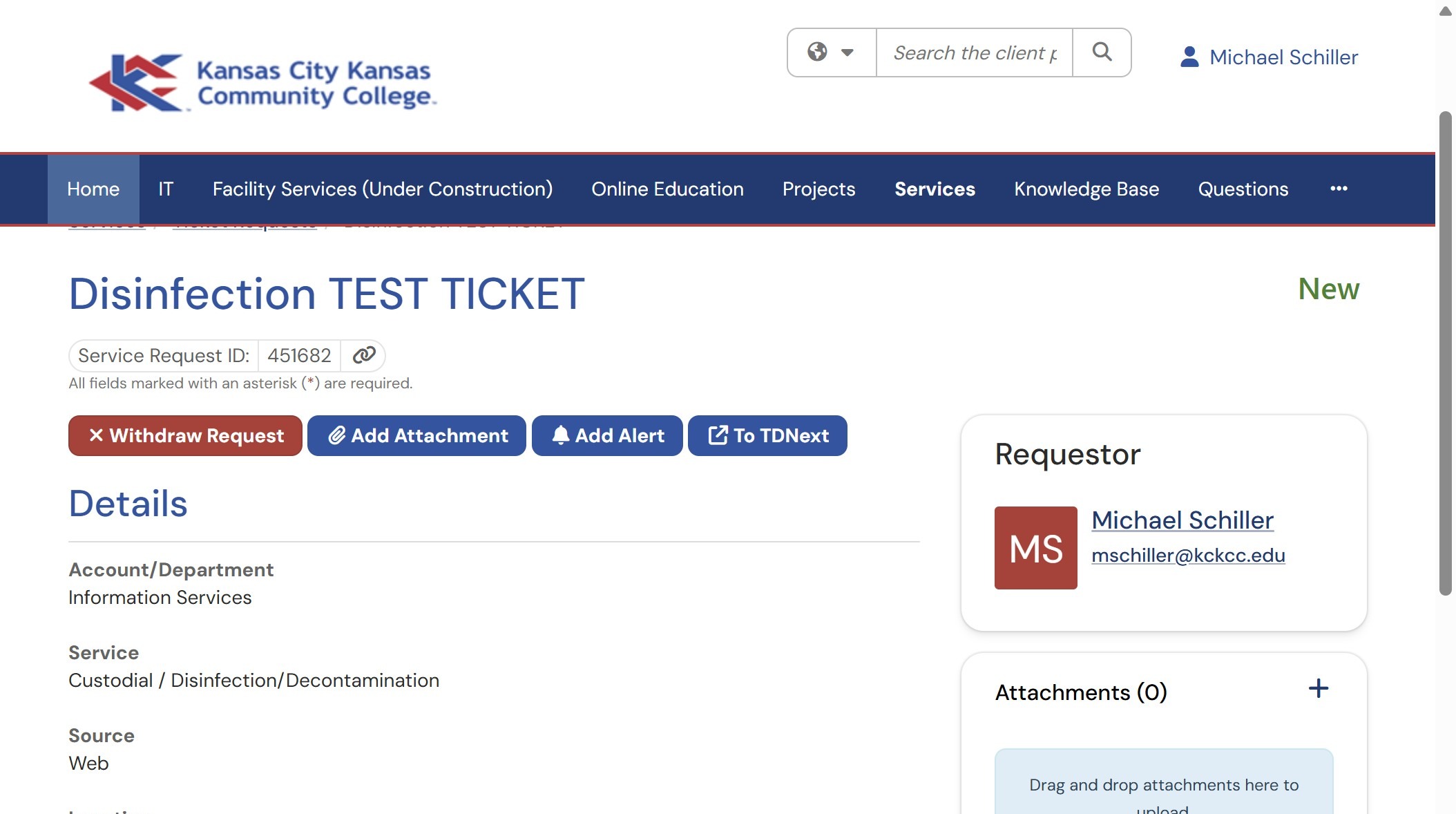
10. This shows you the details of your ticket.
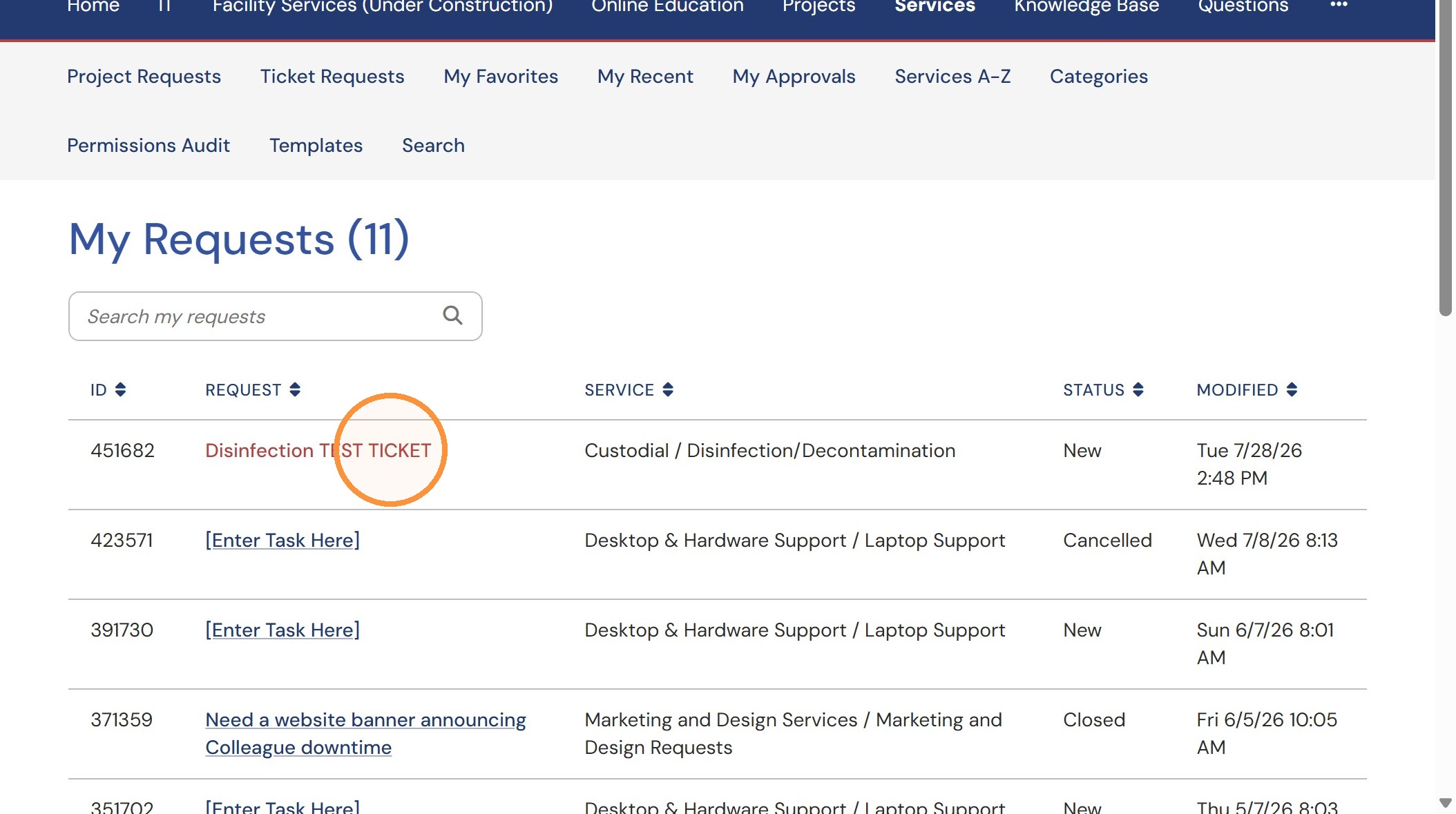
Finding Your Tickets from the Home Screen
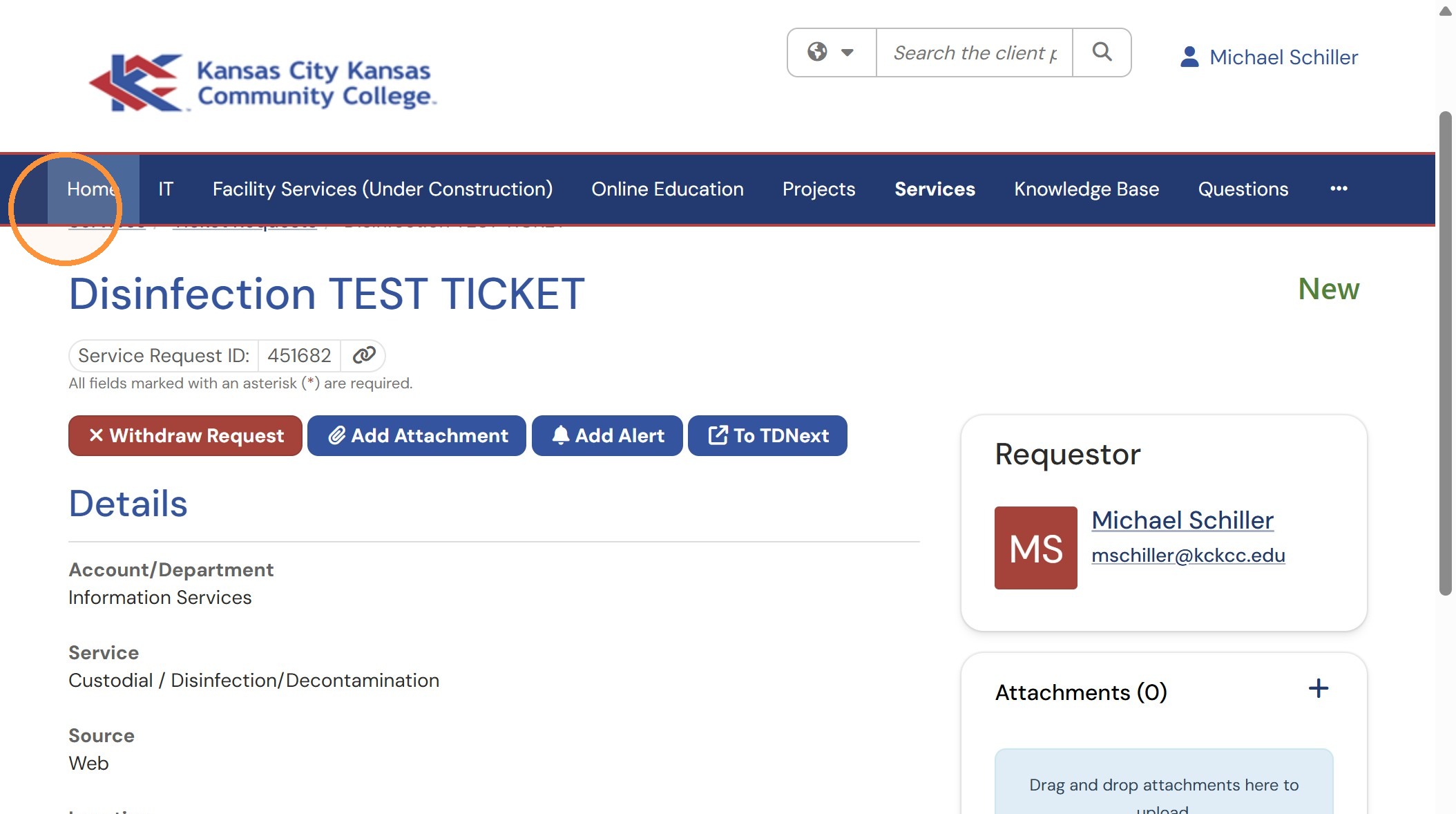
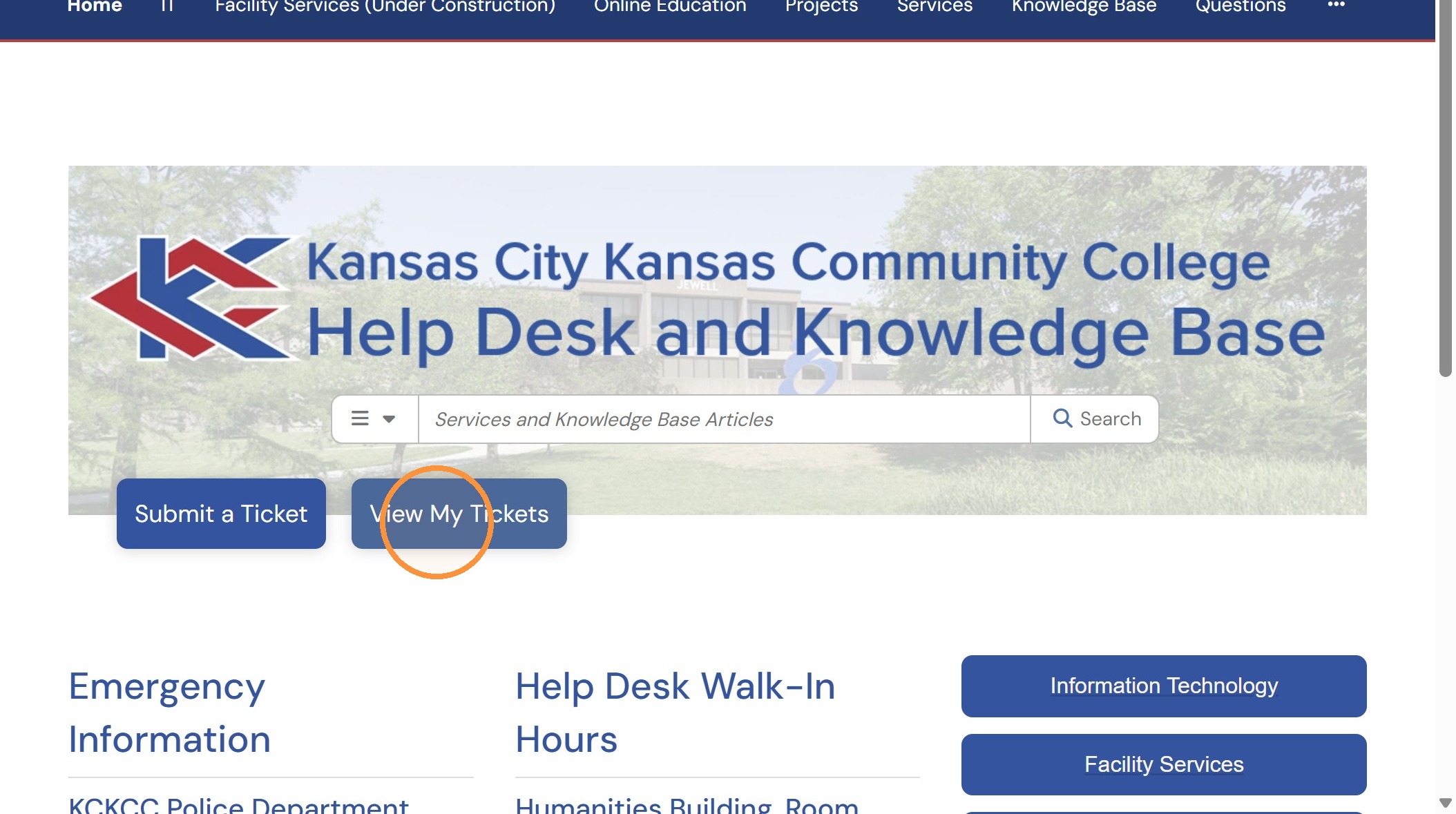
12. Click "View My Tickets".
13. Click "Disinfection TEST TICKET".