Body
1. What is it? – The AI companion is a bot that is made to help you out in several ways, by giving you information about a call. You can ask it questions like, “Was I mentioned?”, or “what are the key takeaways from this meeting?”.
2. How to use it. – Click on the double sparkle button.

3. This will open a panel on the side where you can ask questions about the call to the AI
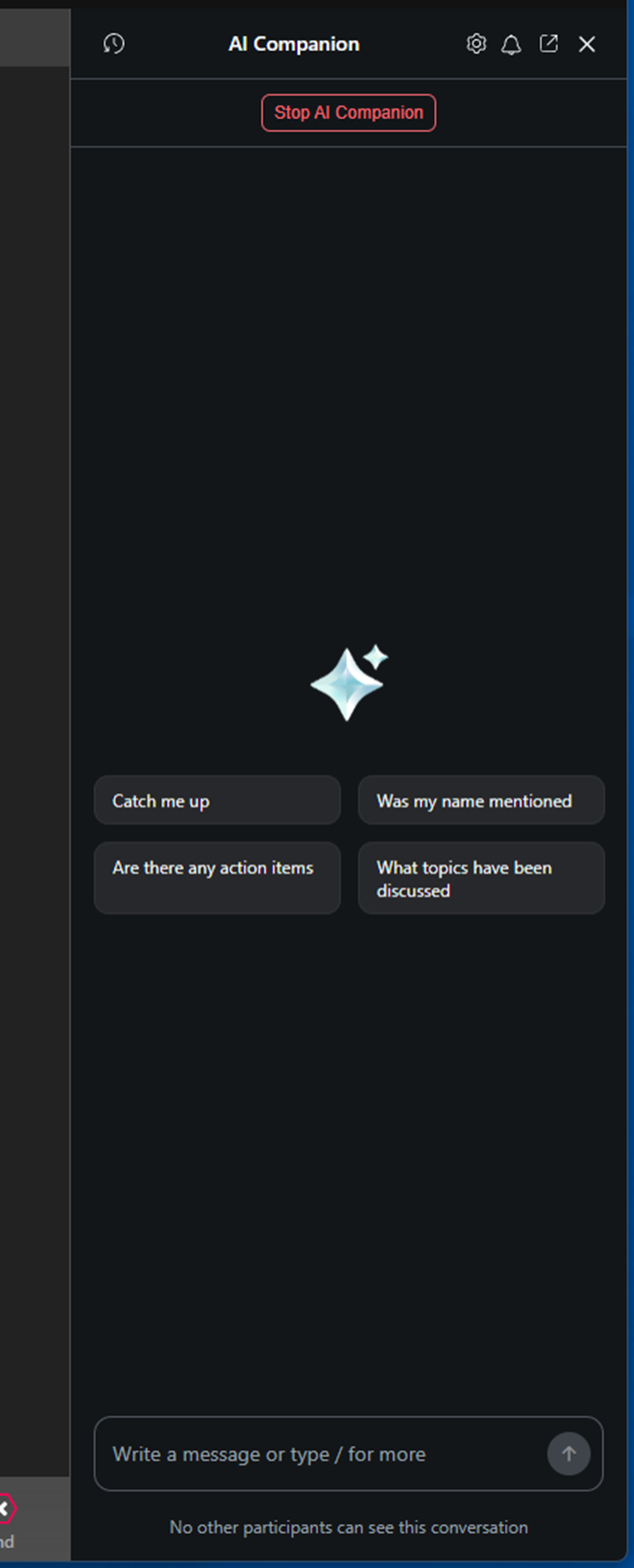
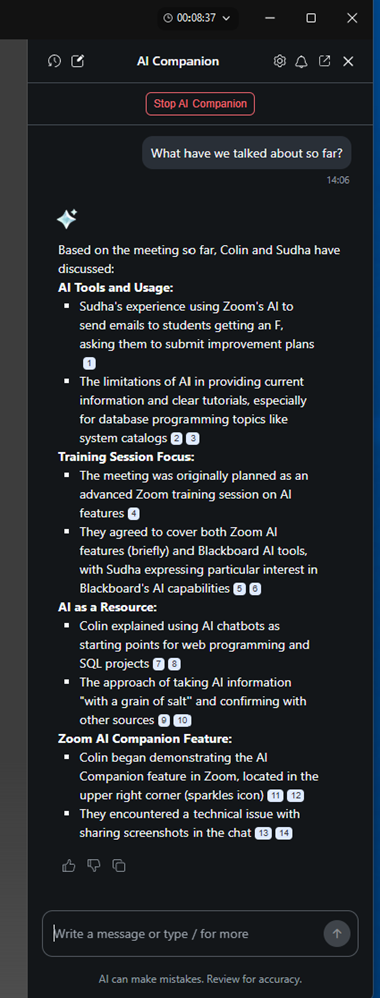
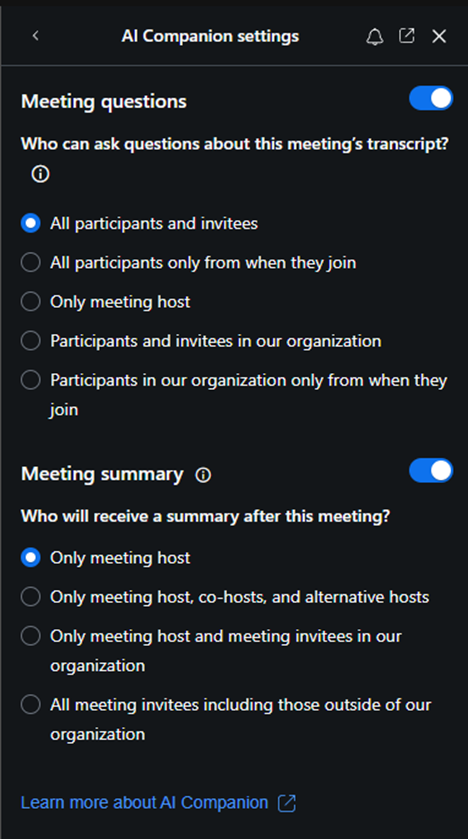
4. This AI will collect information on the call as it progresses. If you want to change the AI’s settings, click on the little gear button.

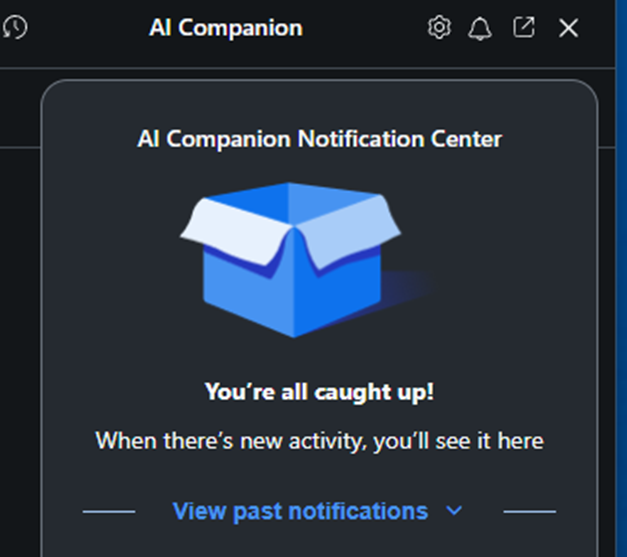
5. As activity happens, you may receive notifications about changes in the meeting.

6. Why is this important/how can this be used? – If you are joining a meeting late, it can help get you brought up to speed on what was missed. This works for both faculty and students. A student no longer must worry about potentially missing out on important information, because they could not attend the online meeting on time.