Body
1- Starting from the course content page, look to the right of the page and there you will see a column.
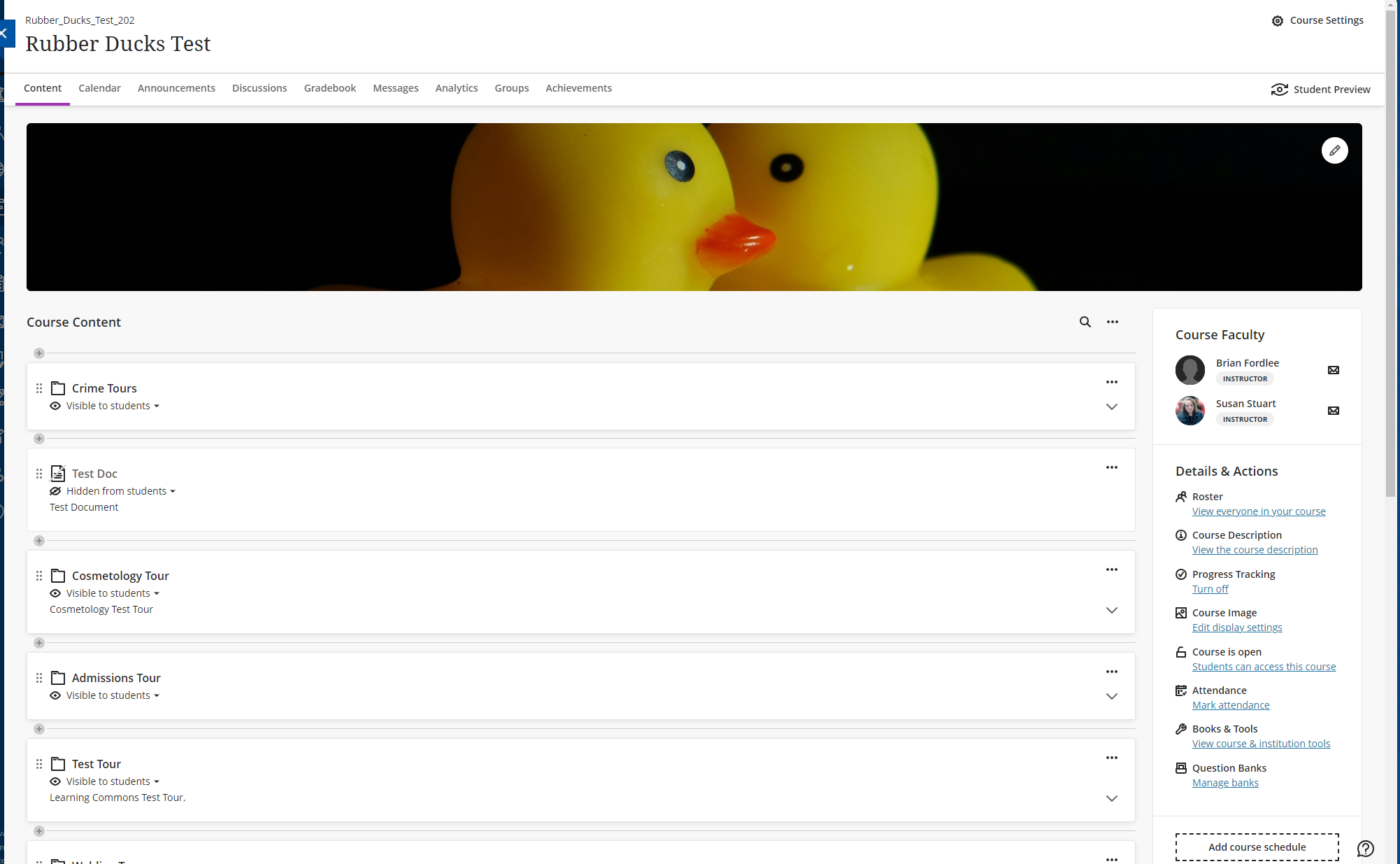

2- At the bottom of the column you will see the option to "Manage Banks". Click on that link. It twill take you to the question banks area.

3- From within the question banks area, hover the mouse over the gray plus sign until it turns purple. Now click on the plus sign.
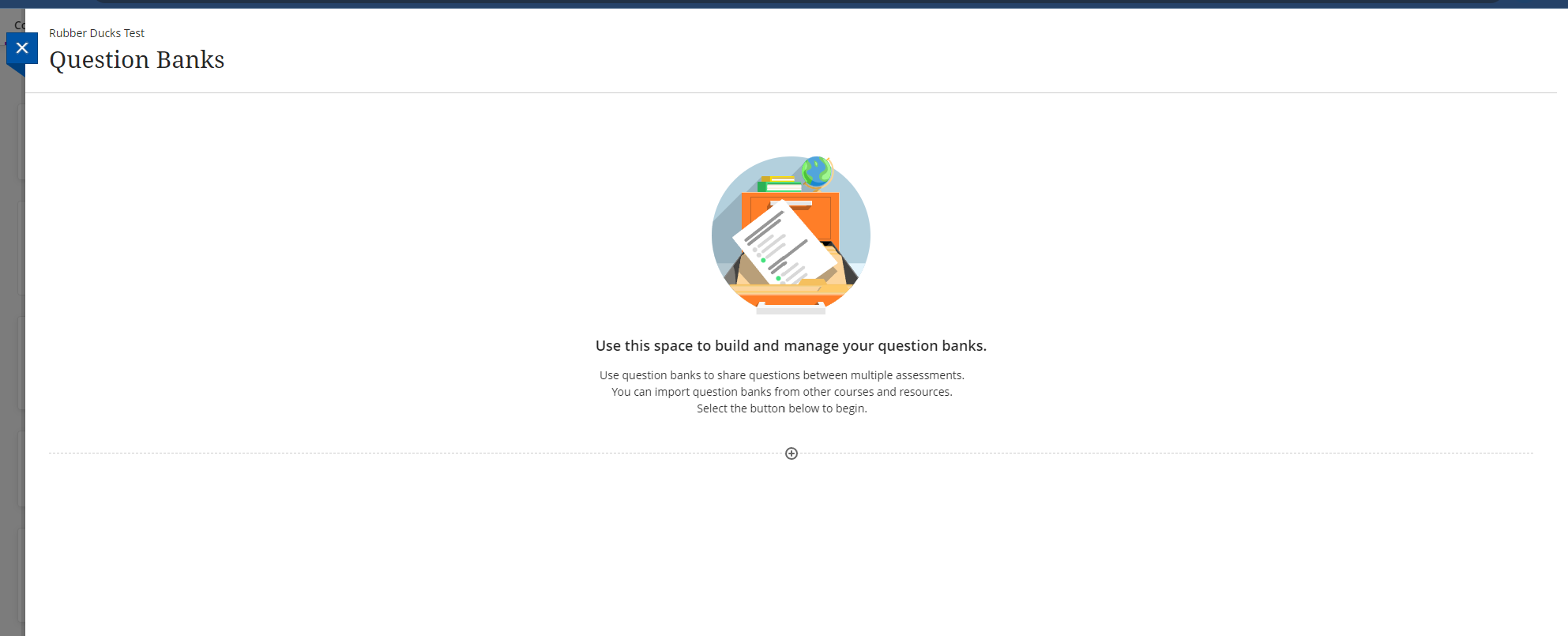
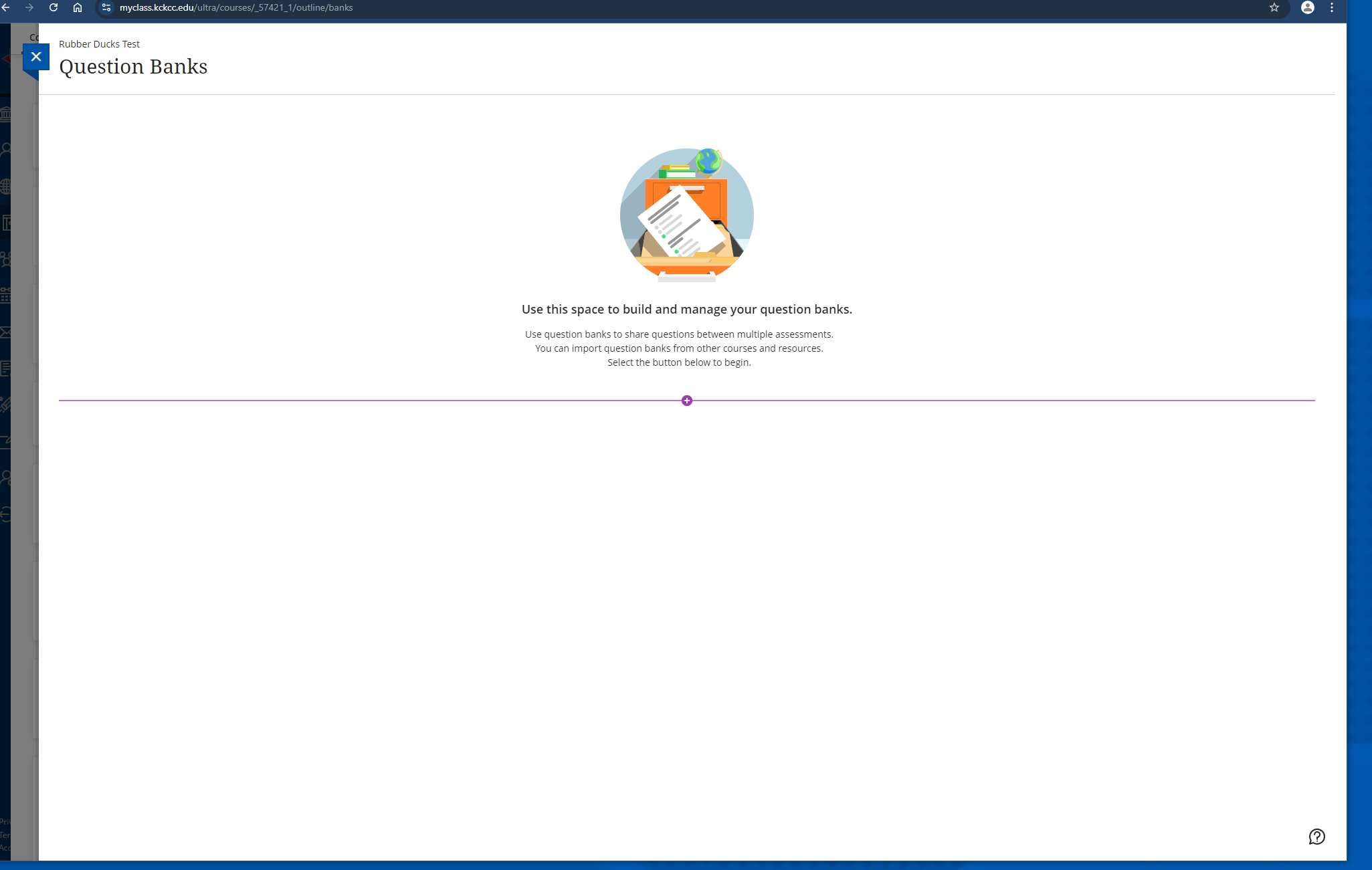

4- A dropdown menu will appear. Click on the "Import from file" option.
5- A file explorer window will appear. Now you can locate the zip file on your computer and upload the question pool to Ultra.

6- Once the file has been selected, Blackboard will take care of uploading and converting the file for you. Once that is done, the questions will be ready for use.