1. What is it? – This creates a transcript / closed caption that can be used by students who are hearing impaired. This can also be used by students who are in a noisy environment and may not be able to hear their computer audio. This is an AI based tool, so it does not count as a true accessibility tool.
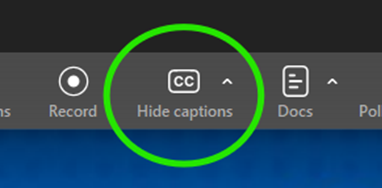
2. How to use it. – Within the call, click on the “CC” button.
3. A pop-up window will appear asking you what language you would like the captions to be in.
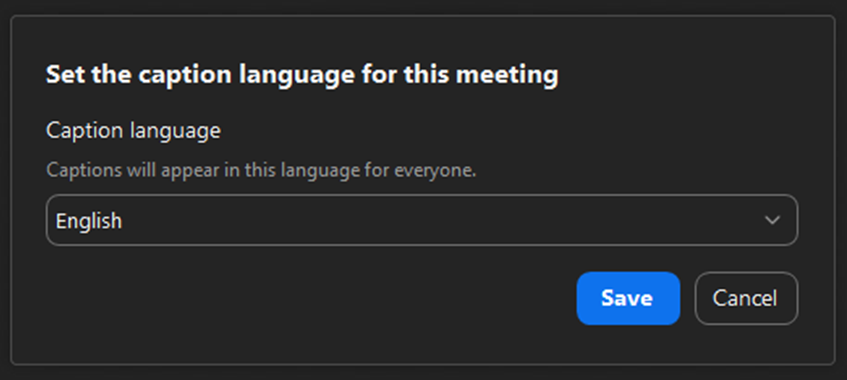
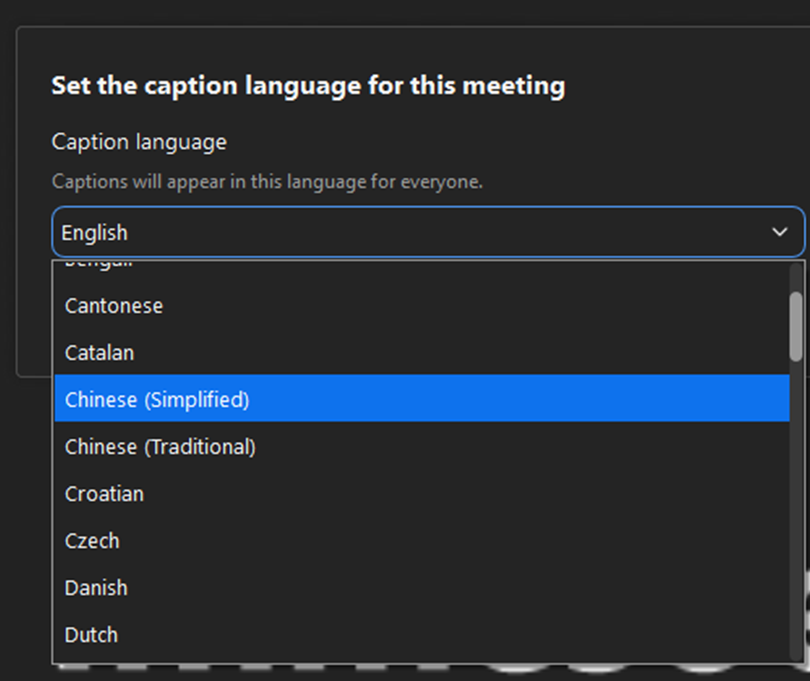
4. Select the language you need and click on the “Save” button.
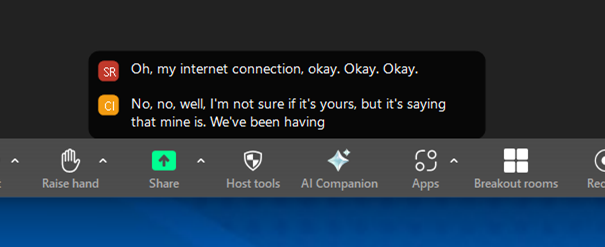
5. After clicking the “Save” button, the captions will become active and start working.
6. Why is this important/how can this be used?
Besides offering text for those to read who are hearing impaired, it also acts as a text version of what happened during the meeting.